
See where your time goes.
Run timers for several activities at once, add the time you forgot to record, and review your days in statistics. No account, and it works offline.
Coming soon to the App Store for iPhone and iPad.
One day tracked in Zunlo
- Work 6h 33m
- Side project 1h 15m
- Exercise 45m
- Study 41m
- Guitar 41m
Take a look
-
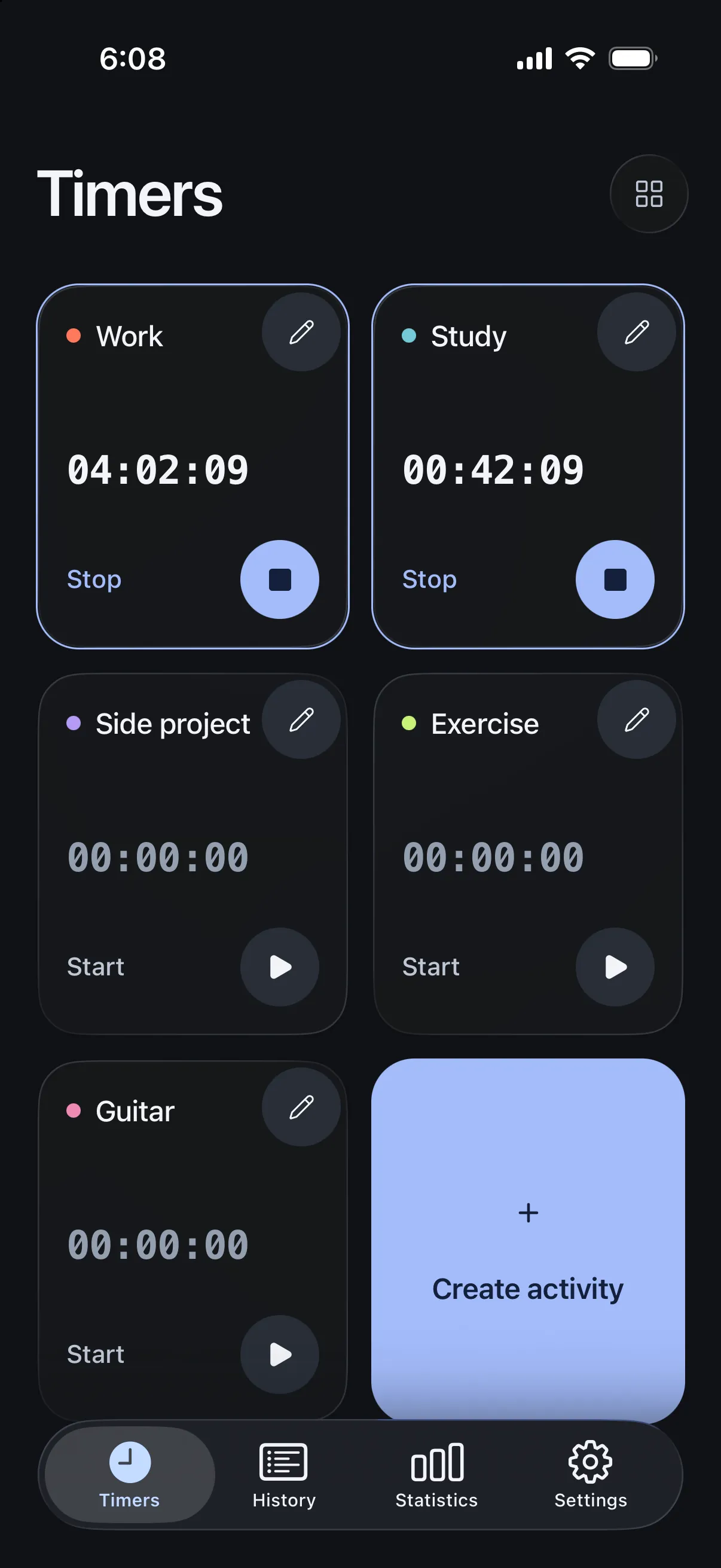
Track activities side by side -
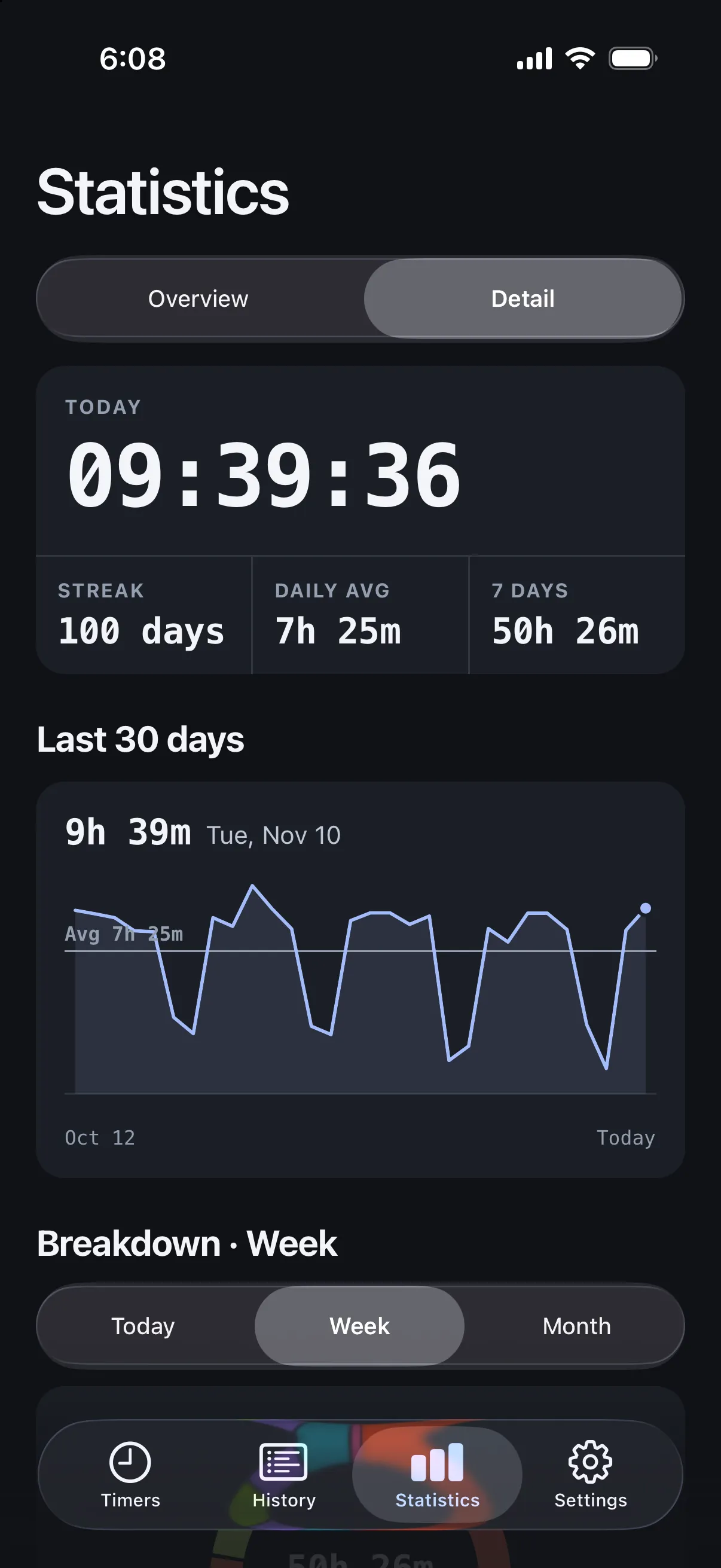
Explore how you spend your time -
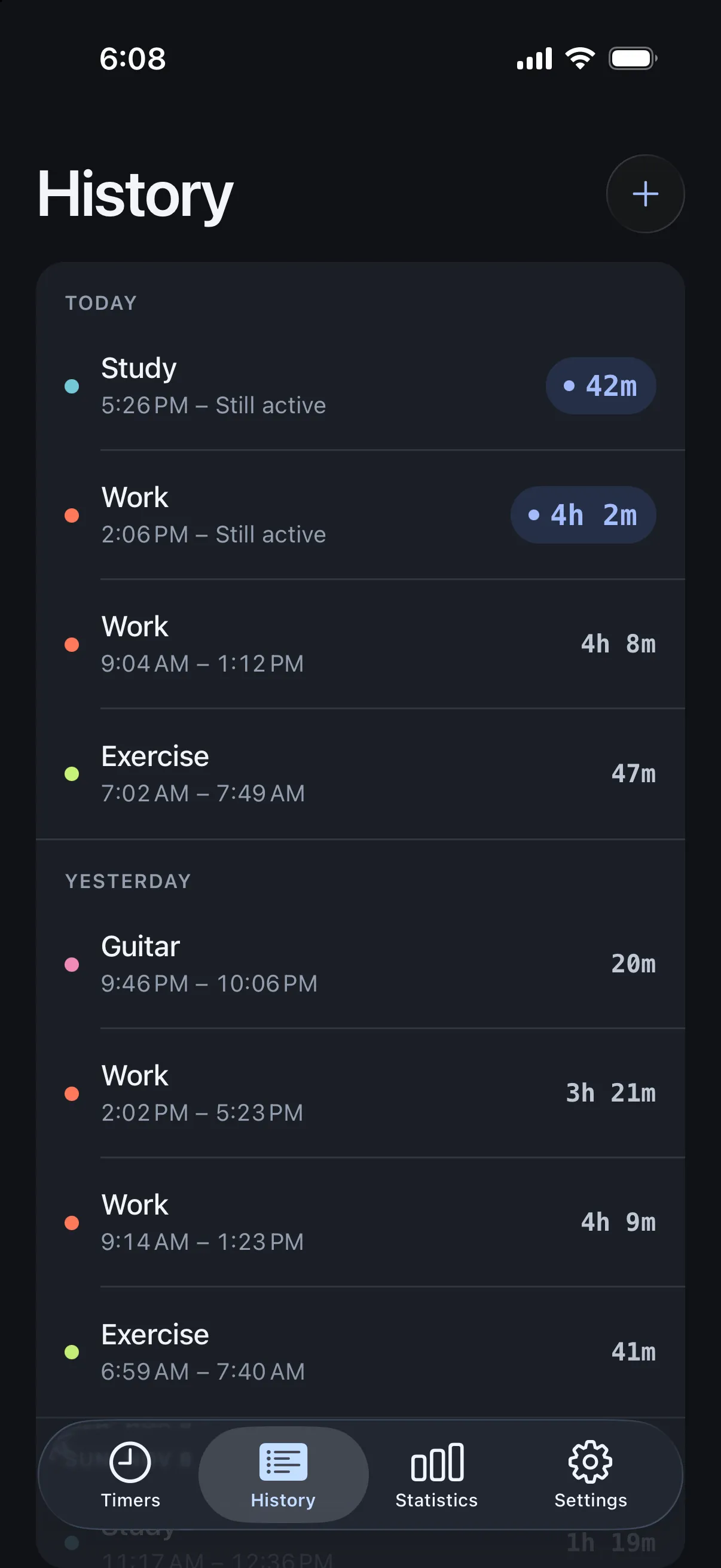
Review and correct your time -
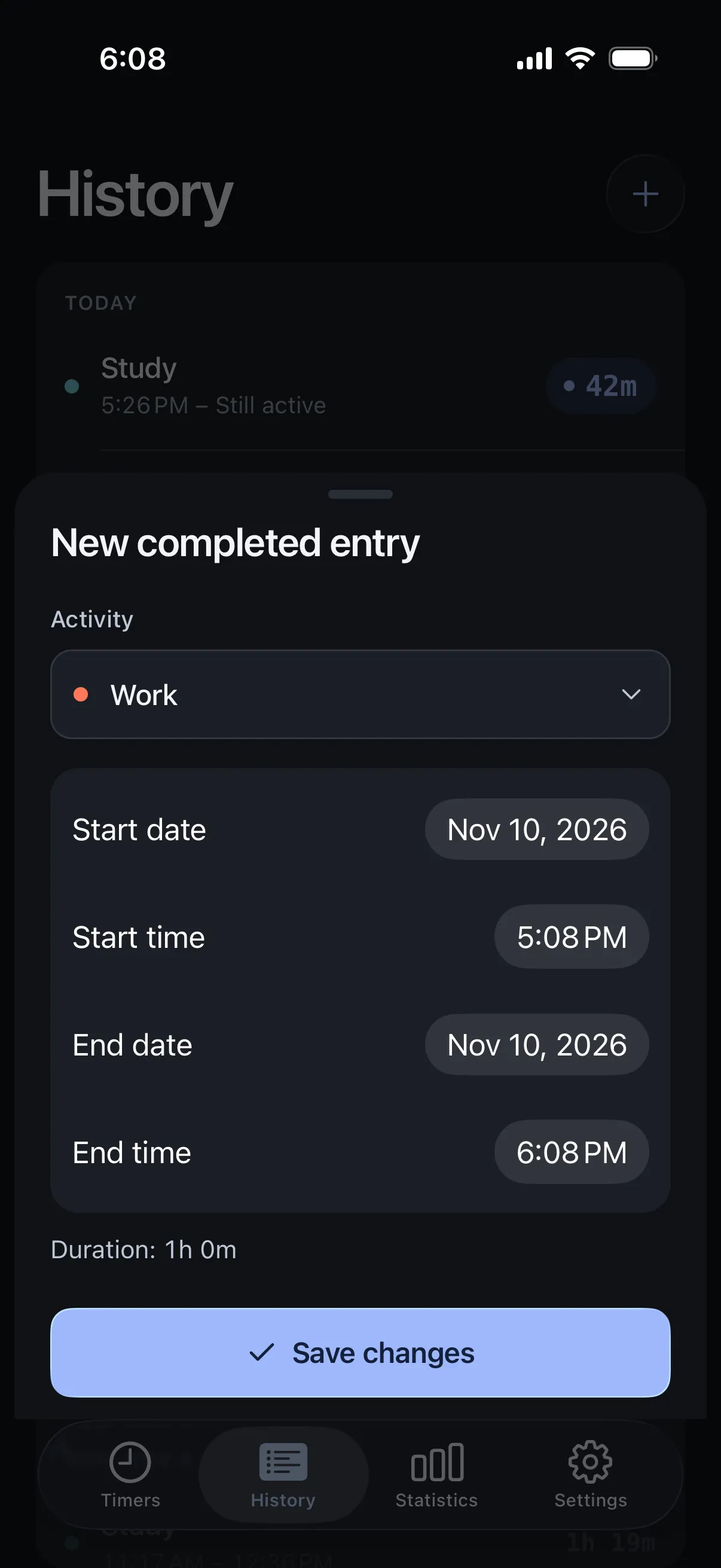
Add time you forgot to record -
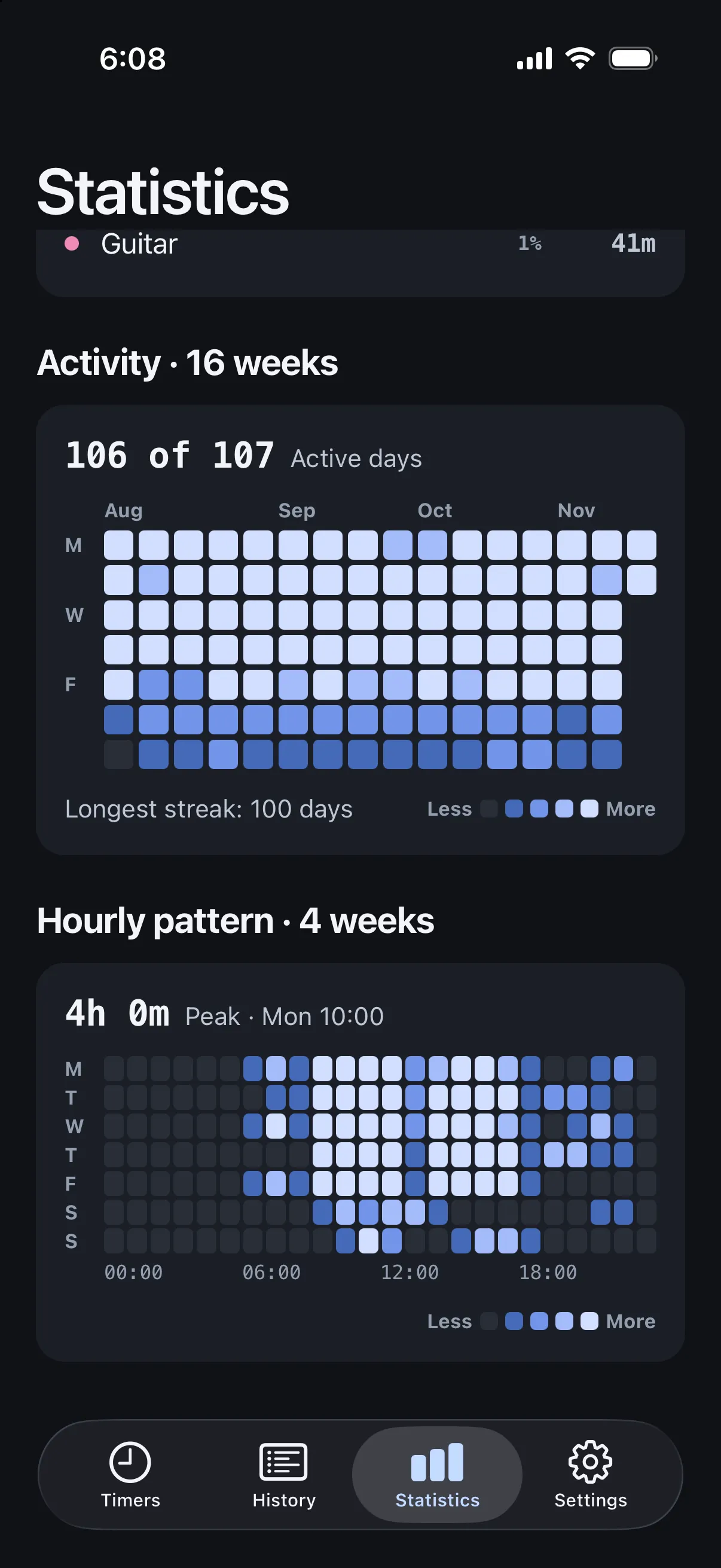
See your patterns over time


What you can do
- Parallel timers
- Start timers for different activities at the same time. Give each activity a name, a color and an icon, and archive the ones you no longer use without losing their history.
- A history you can correct
- Adjust start and end dates and times, or add a completed entry when you forgot to start a timer.
- Statistics for your days
- See how much time each activity takes by day, week, month, year or a custom range, with your streak, your average and your peak hours.
- On your Lock Screen
- On supported iPhone models, follow the running timer on the Lock Screen and in the Dynamic Island with Live Activities. iOS decides when and for how long they appear.
- Backups you control
- Export your activities and sessions to a file in a folder you choose, and import it later on another device. Zunlo does not sync to the cloud.
Free, with optional Pro
- Free
- Every feature with up to five active activities. Archived ones don't count and keep their history.
- Zunlo Pro
- A one-time in-app purchase, not a subscription, that removes the activity limit. The App Store shows the price.
Your history stays on your device
Zunlo stores your activities and sessions on your iPhone or iPad. There is no account to create and no Zunlo server that receives your data.
- No account or sign-in
- No analytics or ads
- No cloud sync